
CLI
Command-line tools for building, developing, and deploying on Playcademy
Overview
The playcademy command-line interface provides everything you need to:
- Initialize projects with configuration and integrations
- Develop using a local backend server with hot reload
- Deploy projects to production or staging environments
- Manage your projects, authentication, and integrations
Quick Start
The fastest way to create a new project:
bun create playcademy my-appnpm create playcademy my-apppnpm create playcademy my-appyarn create playcademy my-appThis scaffolds a project using your chosen project type (Vite or Godot).
Installation
Install the standalone CLI:
$ curl -fsSL https://playcademy.net/cli | bashThen verify it's working:
$ playcademy --helpKey Concepts
Commands
The CLI provides commands organized into logical groups:
| Category | Purpose | Example Commands |
|---|---|---|
| Authentication | Manage logins and profiles | login, logout, me |
| Project Setup | Initialize config and structure | init |
| Integrations | Add backend integrations | timeback init, db init, kv init, api init |
| Development | Local backend server | dev, dev status, dev apply |
| Deployment | Deploy projects to the platform | deploy |
| Project Management | Manage deployed projects | projects list, projects delete |
| Upgrade | Update the CLI | upgrade, upgrade --beta |
Configuration File
The CLI uses playcademy.config.js (or .json) to store your project's metadata:
export default {
    name: 'My Project',
    description: 'A fun educational project',
    emoji: '🎮',
    // other config
}
This file is created as a consequence of running playcademy init.
Authentication Profiles
The CLI supports multiple authentication profiles and keeps staging/production credentials separate.
$ playcademy login # defaults to staging$ playcademy login --env production # log in to production$ playcademy login --profile work # save to named profile$ playcademy deploy --profile work # deploy to named profileThis allows you to:
- Switch between accounts using named profiles (
--profile) - Use different credentials per environment without conflicts
Environments
Deploy to different environments for testing and production.
| Environment | Flag | Purpose |
|---|---|---|
| Staging | (default) | Safe testing environment |
| Production | --env production | Live projects for users |
$ playcademy deploy # deploy to staging$ playcademy deploy --env production # deploy to productionStaging is Default
The CLI uses staging as a safe default
Command Categories
Getting Started
These commands help you set up and authenticate:
$ playcademy login # Authenticate with Playcademy$ playcademy me # View your account info$ playcademy dev apply # Apply for developer status$ playcademy init # Initialize project configurationDevelopment
Run your project backend locally with hot reload:
$ playcademy dev # Start backend dev server (port 8788)$ playcademy dev --port 9000 # Use custom port$ playcademy dev --no-reload # Disable hot reloadSee Development for details.
Deployment
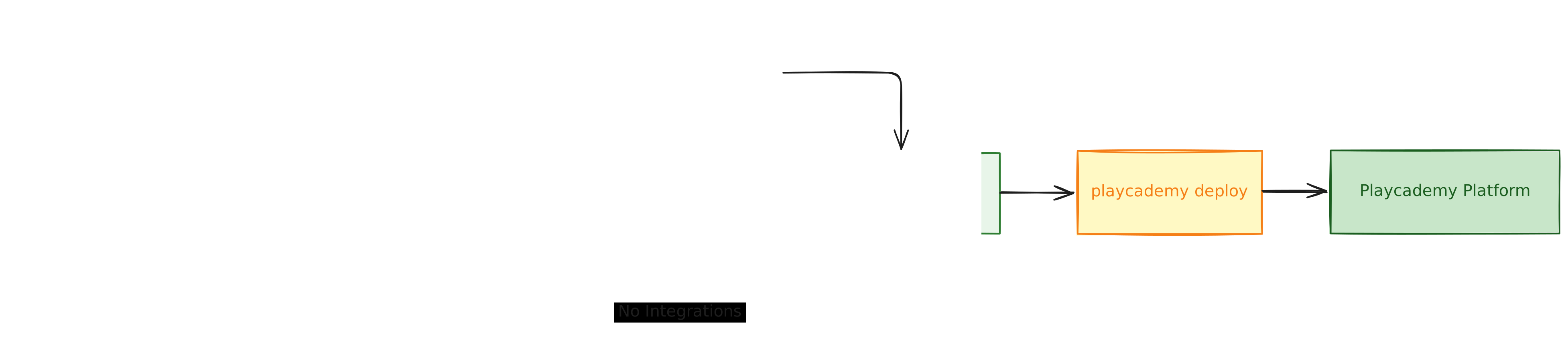
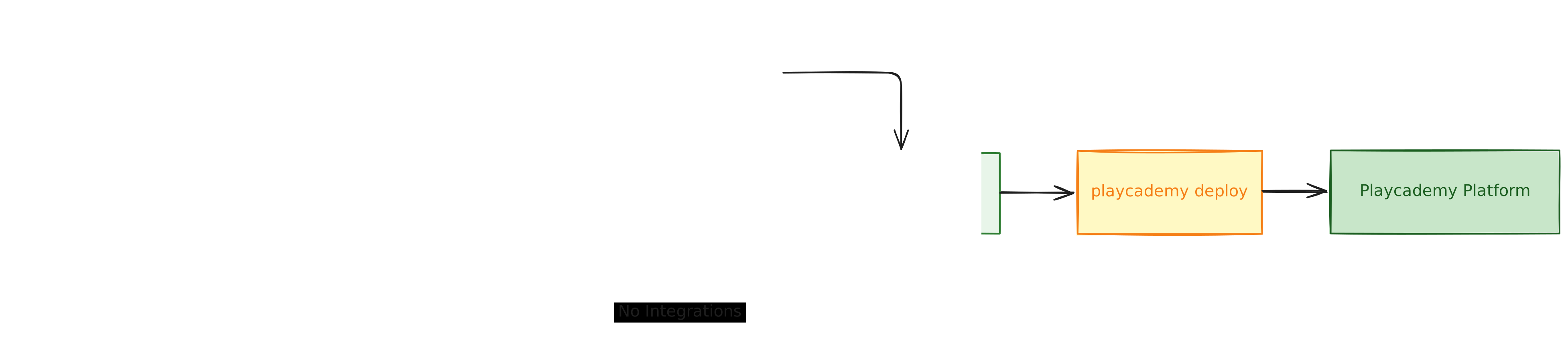
Deploy your project to the Playcademy platform:
$ playcademy deploy # Deploy to staging (default)$ playcademy deploy --env production # Deploy to production$ playcademy deploy --dry-run # Validate without deploying$ playcademy deploy --no-backend # Skip backend deploymentSee Deployment for the complete workflow.
Project Management
List and manage your deployed projects:
$ playcademy projects list # List all your projects$ playcademy projects delete # Delete a project (interactive)$ playcademy projects delete [slug] # Delete by slugSee Project Management for details.
Integrations
Add backend features to your project:
$ playcademy timeback init # Add Timeback to project$ playcademy timeback setup # Set up Timeback resources$ playcademy timeback verify # Verify configuration$ playcademy db init # Add database to project$ playcademy db diff # Show schema changes$ playcademy db reset # Reset local database$ playcademy kv init # Add KV to project$ playcademy kv list # List local KV keys$ playcademy api init # Add custom routes to projectLearn More
Check out the integration guides for details.
Getting Help
Command Help
Get help for any command:
$ playcademy --help # List all commands$ playcademy deploy --help # Help for specific command$ playcademy timeback --help # Help for command groupVerbose Output
Enable detailed logging for debugging:
$ playcademy deploy --verbose # Show detailed logs$ playcademy deploy --debug # Show debug informationWhat's Next?
Command Reference
Explore every CLI command, option, and integration flag in one place.
Authentication Guide
Learn how profiles, environments, and API tokens work together.
Development Guide
Dive into local backend development with hot reload and custom routes.
Deployment Guide
Understand the full deployment workflow from staging to production.